Klarscan
Point it at a page and get a cropped, straightened PDF, with the text on it recognised right there on the phone, so you can find the document again by a word from the middle of it. Passports, medical bills, contracts: the papers you scan are the ones you would least like sitting on someone else's server.
In development. No account, no page limit, and export costs nothing.
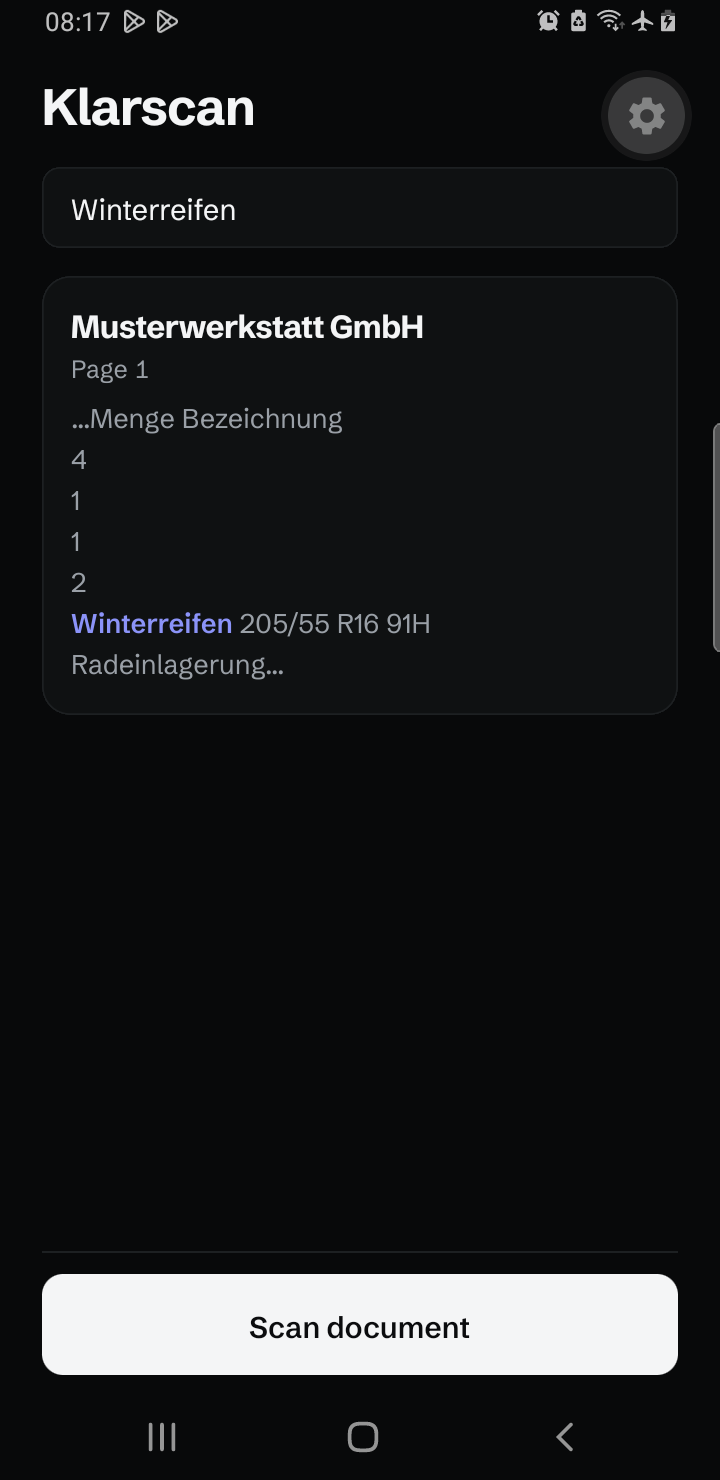
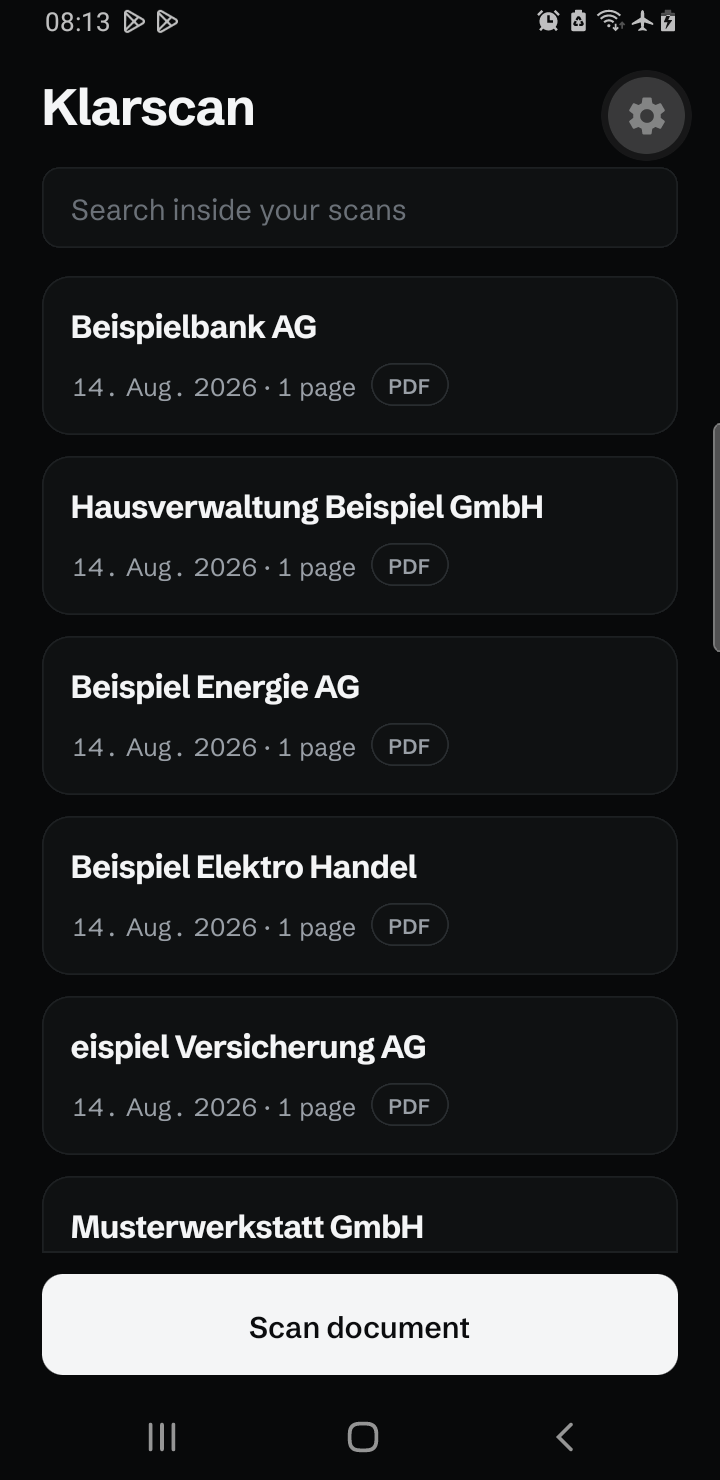
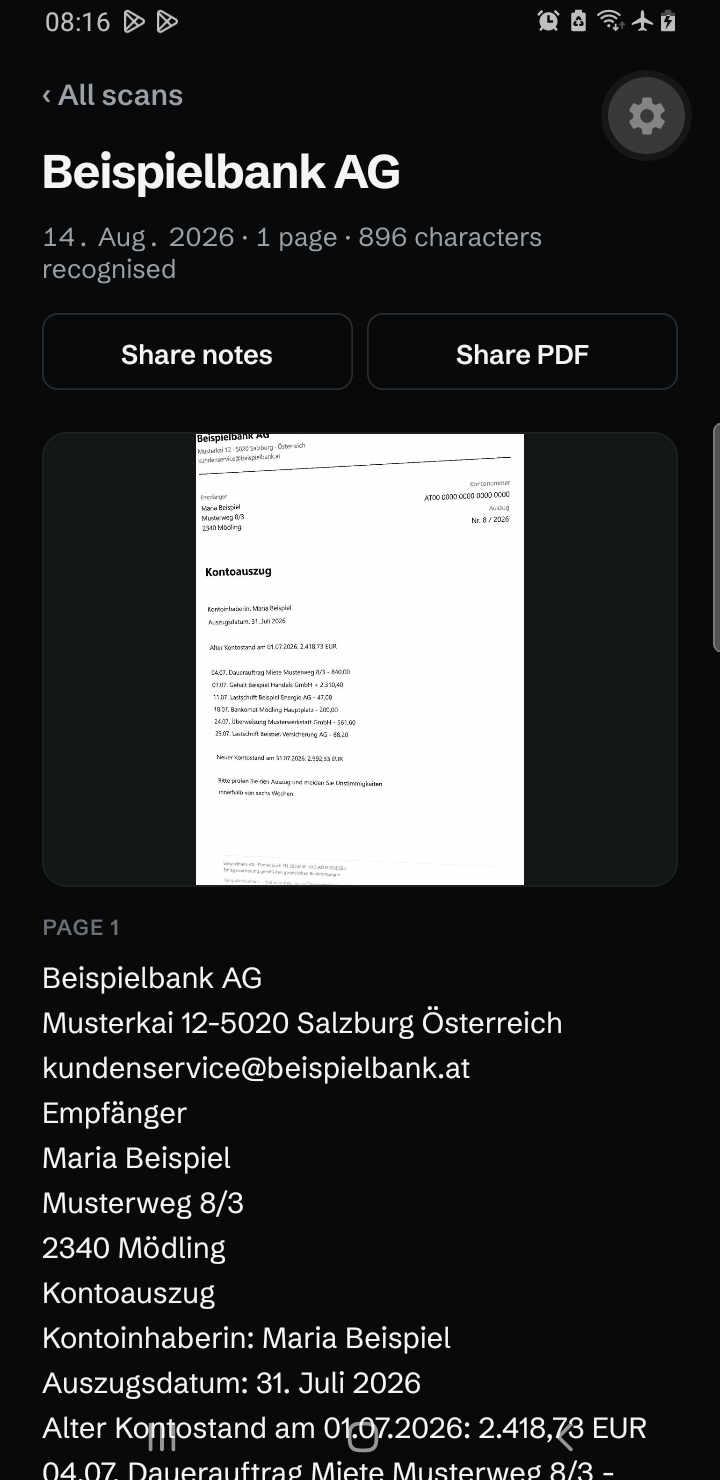
The text is read on the phone, not on a server.
Scanning produces a cropped, deskewed PDF. Recognition then runs on the device and the text is stored alongside it, so searching your archive later is a text search rather than a hunt through thumbnails. Nothing is uploaded, because there is nowhere to upload it to. There is no account behind this app, and no server behind it either.
Search inside your scans
Every word recognised on a page is indexed. Type a word from the middle of a letter and the scan comes back, with the matching line shown in context. Recognition runs once, at scan time, so searching afterwards is instant and costs no battery.
It never asks for your camera
The camera that opens when you scan belongs to Google Play services, not to Klarscan. It finds the page edges and returns the pages you kept; Klarscan only ever receives finished images. Open the app's permission screen in Android settings and there is nothing listed to grant.
Export is free
Send the PDF, or the recognised text, straight to whatever you already use: a chat, a note app, your mail client. No page limit, no watermark, and no upgrade prompt at the moment you actually need the file.
Genuinely private
No account, no login, no server. Scans, PDFs and recognised text stay on your device unless you share them yourself. No ads, no analytics, no trackers, no page limits and no watermark.
Scanning needs Google Play services
The scanner and the text recognition come from Google Play services, not from inside the app. That keeps the download small and means Klarscan needs no camera permission. On a phone without Play services, a de-Googled ROM or a device sold without Google apps, it cannot scan at all. Whatever you scanned before stays readable and searchable. The privacy policy sets out what that dependency does with your pages, including the part of it that cannot be switched off.